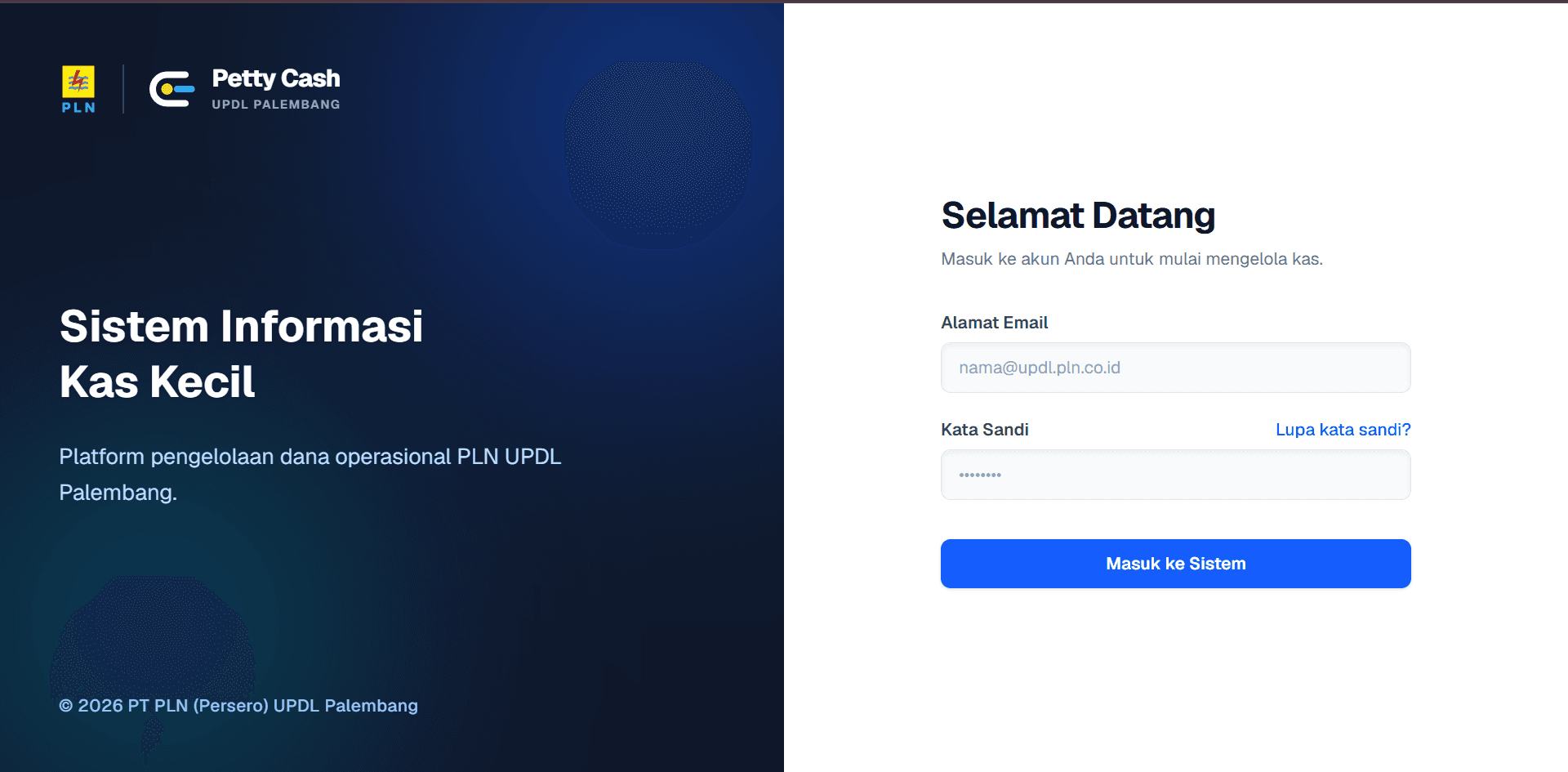
Petty Cash Management System
Digitizing internal petty cash tracking with a period-based system, role access, and automated Excel reporting.
Why This Matters
Managing petty cash with spreadsheets often leads to unorganized records and missing physical receipts. This system provides a centralized platform to record expenses and attach receipts directly to each transaction.
The Problem
The internal team was relying on manual spreadsheets for fund allocations and expenses, making it hard to track current balances and reconcile data at the end of the month.
Constraints
- Transaction history should be preserved to maintain a proper audit trail.
- The system needs to support reimbursements (non-cash) workflows.
- Fund holders should only access the cash sources specifically assigned to them.
Success Criteria
- Balances are calculated dynamically based on total cash-in and cash-out.
- Users can generate and download monthly recap reports in Excel format.
- Receipt images are compressed before upload to save storage space.
Architecture
Role-Based Data Access
Used Supabase Row Level Security (RLS) to limit what users can see based on assignments, while Admins manage the master data globally.
Database-Level Validation
Moved important validation logic (like balance checking and period status) to PostgreSQL functions to keep transaction processing more consistent and reduce reliance on client-side validation.
Dynamic Balance Calculation
Balances are not stored as static numbers. Instead, they are calculated dynamically based on the total sum of incoming funds, allocations, and expenses to maintain data integrity.
Engineering Decisions
| Decision | Alternatives | Why This Choice |
|---|---|---|
| Soft Delete Implementation via Nominal Zeroing | Standard database hard deletes or basic boolean 'is_deleted' columns. | To keep a clear history of canceled transactions, the system sets the transaction amount to zero instead of deleting the row. This approach preserves the transaction record and makes it easier to trace data changes. |
| Client-Side Image Compression | Uploading raw images directly or processing them on the server side. | Since smartphone cameras produce large image files, the application compresses receipt photos on the client side before uploading them to Supabase to speed up the upload process and save storage space. |
Implementation Details
The application uses an active period concept. Users can only input transactions if the current period is 'OPEN'. Once the period is closed, financial inputs are locked to keep past data organized, though receipt attachments can still be updated if needed.
Business Impact
Helped the administrative team transition from manual spreadsheets to a more structured digital process, making monthly recaps faster and providing a centralized view of petty cash balances.
Technical Achievement
Designed the database structure and business rules to support petty cash transactions, fund allocation, reimbursements, and role-based access.